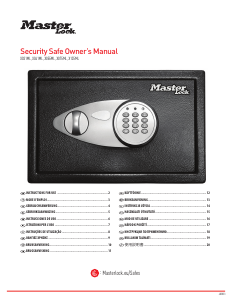
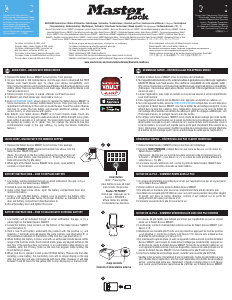
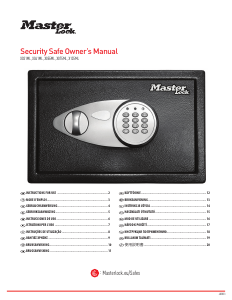
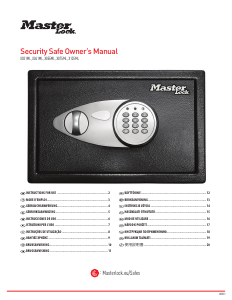
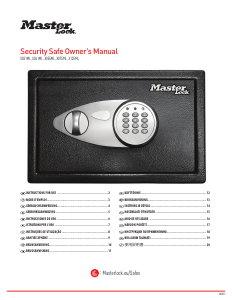
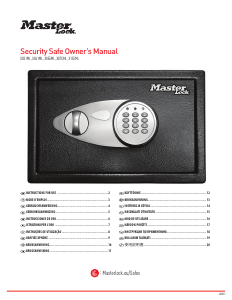
Bedienungsanleitung Master Lock X055ML Safe

Benötigen Sie ein Bedienungsanleitung für Ihren Master Lock X055ML Safe? Unten können Sie das PDF-Bedienungsanleitung kostenlos auf Deutsch ansehen und herunterladen. Für dieses Produkt gibt es derzeit 3 häufig gestellte Fragen, 0 Kommentare und 0 Stimmen. Wenn dies nicht das von Ihnen gewünschte Bedienungsanleitung ist, kontaktieren Sie uns bitte.

Ist Ihr Produkt defekt und bietet die Bedienungsanleitung keine Lösung? Gehen Sie zu einem Repair Café, wo es gratis repariert wird.

Bedienungsanleitung

Loading…
2
Bolt-Down Instructions
To help provide maximum security, it is highly recommended
that you bolt down your safe.
1
Set the safe in the place you intend to bolt it down and open the
door.
2
Using a pencil mark the floor through the holes provided in the
bottom or back of your safe.
3
Move the safe away and drill holes of the appropriate diameter
and depth for the type of hardware being used and the mounting
surface.
4
Place the safe back over the holes and install the fasteners as
required.
Note: It is not recommended to attempt to bolt your safe to
both the floor and wall. If bolting to a wall, please ensure the
safe is resting on a supporting surface such as a table or shelf.
Thank you for choosing Master Lock to store all your important documents and valuables.
We hope that this product will help you stay organized and provide you with the peace-of-mind of knowing the things most important to you are protected.
Security Safe
For Key Lock Safes
Your Master Lock product is equipped with a high security key lock.
Two (2) keys are provided.
For Digital Combination Safes
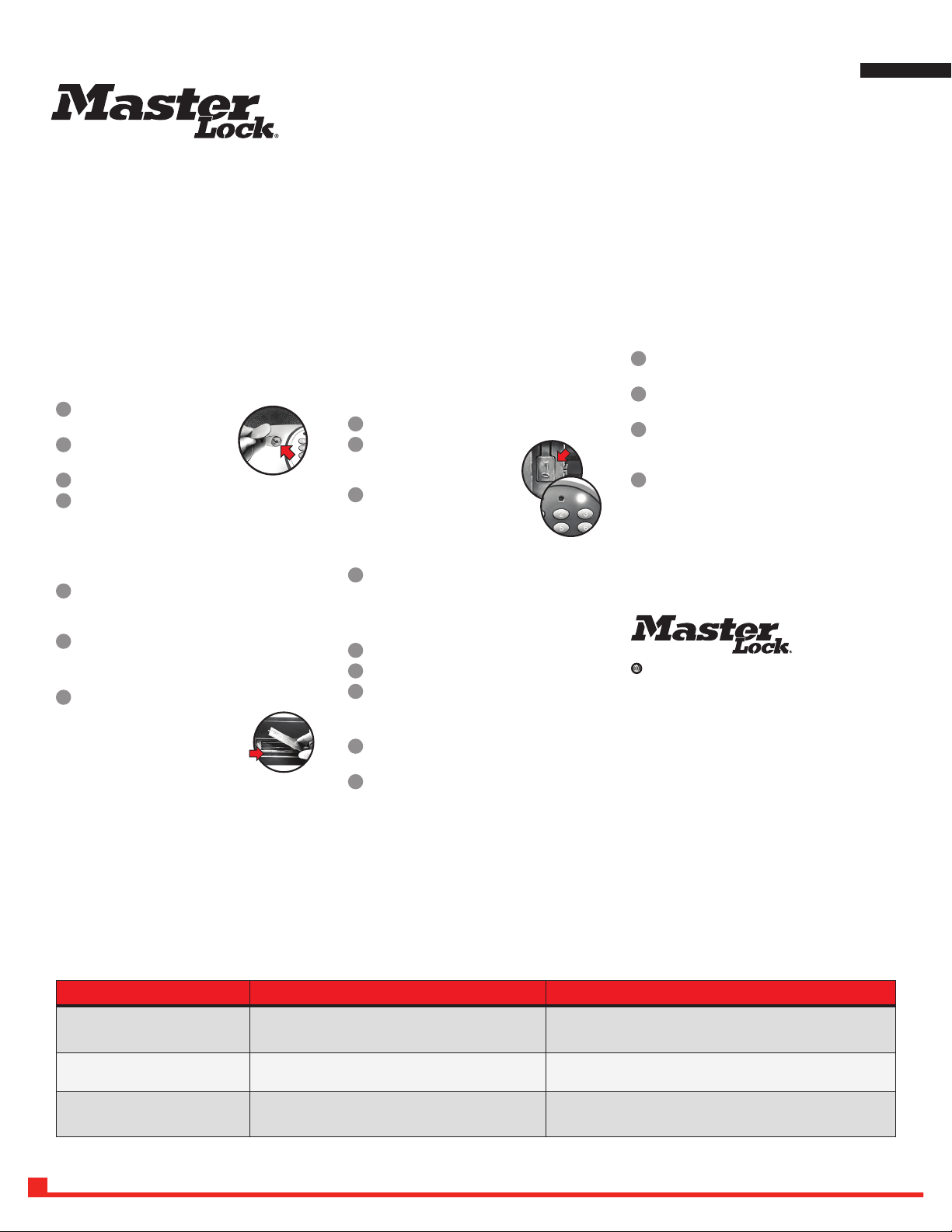
Opening Your Safe for the First Time (Using the Override Key)
1
Remove the cover located between the knob
and keypad.
2
Insert the override key provided and turn
counterclockwise.
3
Turn the knob clockwise to open the door.
4
Turn key back clockwise to remove the key and replace the cover
on the door.
Note: In an emergency, situation the safe can be opened using your
override key. DO NOT store your override key inside the safe.
Installing the Batteries
1
With the door open, remove the battery compartment cover located
on the inside of the door by sliding the cover in the direction of the
arrow.
2
Install four (4) AA size alkaline batteries.
Note: Follow the polarity (+/-) markings in the battery
compartment to ensure proper installation.
3
Slide the battery cover back into place.
Note: Do not use rechargeable batteries or
any other type of non-alkaline battery. Do
not mix old and new batteries. Do not mix
alkaline and other battery types.
Using Your Security Safe
IMPORTANT: All security safe models initially work using the
factory code 1-7-5-0-0 -#. It is highly recommended and important
to the security of your valuables that you re-program the safe with a
new user code. Once reprogrammed the factory code can no longer be
used to open your safe.
Programming Your New User Code
1
Open the safe’s door and remove the battery compartment cover.
2
Locate the button inside the battery
compartment and press.
The yellow LED light will go on.
3
Enter a new user code (between 2-8
digits) followed by the “#” key. The
yellow LED light will go off to indicate
the new code has been accepted and
stored.
4
Replace the battery compartment cover.
Note: Always test a new code before storing any valuables
inside the safe.
Unlocking Your Safe
1
Enter your factory code or user code followed by #.
2
The green LED light will go and remain on for 5 seconds.
3
Within 5 seconds, turn the knob clockwise and pull open
the door.
Locking Your Safe
1
With the bolts retracted into the door, firmly close the door of
the safe.
2
Turn the knob in the counter-clockwise direction to secure your
safe.
THE PROBLEM: WHY IT IS HAPPENING: THE SOLUTION:
A red LED light goes on when a button is
pressed.
Battery power is low. Install four (4) new AA size alkaline batteries.
Open with override key.
Digital lock is unresponsive when attempting
to press in code.
Battery power is low. Install four (4) new AA size alkaline batteries.
Open with override key.
5 beeps and a yellow LED light after entering
your code.
Invalid code. Wait one minute and retry your code.
Open with override key.
Troubleshooting
:
masterlock.eu/safes
ENGLISH
Download Bedienungsanleitung auf Deutsch (PDF, 1.97 MB)
(Denken Sie an die Umwelt und drucken Sie diese Bedienungsanleitung nur aus, wenn es unbedingt nötig ist)

Loading…

Bewertung

Teilen Sie uns mit, was Sie über die Master Lock X055ML Safe denken, indem Sie eine Produktbewertung verfassen. Möchten Sie Ihre Erfahrungen mit diesem Produkt teilen oder eine Frage stellen? Hinterlassen Sie einen Kommentar am Ende dieser Seite!
Sind Sie mit Master Lock X055ML Safe zufrieden?
Ja Nein
Seien Sie die erste Person, die dieses Produkt bewertet
0 Bewertungen

Diskutieren Sie über dieses Produkt mit

Hier können Sie uns Ihre Meinung zu Master Lock X055ML Safe mitteilen. Wenn Sie eine Frage haben, lesen Sie zunächst das Bedienungsanleitung sorgfältig durch. Die Anforderung eines Bedienungsanleitung kann über unser Kontaktformular erfolgen.

Mehr zu diesem Bedienungsanleitung

Wir verstehen, dass es schön ist, ein gedrucktes Bedienungsanleitung für Ihr Master Lock X055ML Safe zu haben. Sie können das Bedienungsanleitung jederzeit von unserer Website herunterladen und selbst ausdrucken. Wenn Sie ein Originalhandbuch wünschen, empfehlen wir Ihnen, Master Lock zu kontaktieren. Möglicherweise können sie ein Originalhandbuch bereitstellen. Suchen Sie das Bedienungsanleitung Ihres Master Lock X055ML Safe in einer anderen Sprache? Wählen Sie auf unserer Homepage Ihre bevorzugte Sprache und suchen Sie nach der Modellnummer, um zu sehen, ob wir sie verfügbar haben.

Spezifikationen

Marke Master Lock
Modell X055ML
Kategorie Safes
Dateityp PDF
Dateigröße 1.97 MB

Alle Anleitungen für Master Lock Safes
Weitere Anleitungen von Safes

Häufig gestellte Fragen zu Master Lock X055ML Safe

Unser Support-Team sucht nach nützlichen Produktinformationen und beantwortet Ihre häufig gestellten Fragen. Sollte Ihnen ein Fehler bei den häufig gestellten Fragen auffallen, teilen Sie uns dies bitte anhand unseres Kontaktformulars mit.

Das Schloss an meinem elektronischen Safe öffnet sich nicht, aber ich bin sicher, dass der von mir eingegebene Code korrekt ist. Was kann ich tun? Verifiziert

Das kann passieren, wenn die Batteriespannung zu niedrig ist. Das kann durch billige oder fast leere Batterien verursacht werden. Batterien ersetzen und es erneut versuchen. Wird das Problem dadurch nicht behoben, sollten Sie sich an den Hersteller wenden.

Das war hilfreich (1499) Mehr lesen

Was kann ich tun, wenn ich meine Tresorkombination verloren habe? Verifiziert

Für einen Tresor mit einem elektronischen Schloss gibt es häufig einen Notfallschlüssel, mit welchem der Tresor dennoch geöffnet werden kann. Falls kein Notfallschlüssel vorhanden ist oder es keine andere Lösung gibt, kann man sich an spezialisierte Firmen wenden, die helfen können. Handelt es sich um einen kleinen Tresor, kann es jedoch sein, dass ein Spezialist mehr kostet als ein neuer Tresor. In diesem Fall ist die letzte Möglichkeit, den Tresor aufzubrechen.

Das war hilfreich (723) Mehr lesen

Wann sollte ich meinen Safe/Tresor sichern? Verifiziert

Im Allgemeinen ist es ratsam, Safes mit einem Gewicht von 1.000 kg oder weniger zu sichern. So kann man verhindern, dass ein Dieb den gesamten Safe mitnimmt. Es ist auch möglich, dass eine Versicherungsgesellschaft die Sicherung eines Safes verlangt. Lassen Sie Ihren Safe immer von einem Spezialisten sichern.

Das war hilfreich (204) Mehr lesen
Bedienungsanleitung Master Lock X055ML Safe

Verwandte Produkte

Verwandte Kategorien

×
Download