Bedienungsanleitung Pioneer DV-2240 DVD-player

Benötigen Sie ein Bedienungsanleitung für Ihren Pioneer DV-2240 DVD-player? Unten können Sie das PDF-Bedienungsanleitung kostenlos auf Deutsch ansehen und herunterladen. Für dieses Produkt gibt es derzeit 2 häufig gestellte Fragen, 0 Kommentare und 0 Stimmen. Wenn dies nicht das von Ihnen gewünschte Bedienungsanleitung ist, kontaktieren Sie uns bitte.

Ist Ihr Produkt defekt und bietet die Bedienungsanleitung keine Lösung? Gehen Sie zu einem Repair Café, wo es gratis repariert wird.

Bedienungsanleitung

Loading…
Thank you for buying this Pioneer product. Please read through these operating instructions so you will know how to operate your model properly. After you have finished reading the instructions, put them away in a safe place for future
reference.
Safety cautions
WARNING
To prevent a fire hazard, do not place any naked flame sources (such as a
lighted candle) on the equipment. D3-4-2-1-7a_A1_En
POWER-CORD CAUTION
Handle the power cord by the plug. Do not pull out the plug by tugging
the cord and never touch the power cord when your hands are wet as this
could cause a short circuit or electric shock. Do not place the unit, a piece
of furniture, etc., on the power cord, or pinch the cord. Never make a knot
in the cord or tie it with other cords. The power cords should be routed
such that they are not likely to be stepped on. A damaged power cord can
cause a fire or give you an electrical shock. Check the power cord once in
a while. When you find it damaged, ask your nearest PIONEER authorized
service center or your dealer for a replacement. S002*_A1_En
Operating Environment
Operating environment temperature and humidity:
+5 °C to +35 °C (+41 °F to +95 °F); less than 85 %RH (cooling vents not
blocked)
Do not install this unit in a poorly ventilated area, or in locations exposed to
high humidity or direct sunlight (or strong artificial light)
D3-4-2-1-7c*_A1_En
CAUTION
The STANDBY/ON switch on this unit will not completely shut off all
power from the AC outlet. Since the power cord serves as the main
disconnect device for the unit, you will need to unplug it from the AC
outlet to shut down all power. Therefore, make sure the unit has been
installed so that the power cord can be easily unplugged from the
AC outlet in case of an accident. To avoid fire hazard, the power cord
should also be unplugged from the AC outlet when left unused for a
long period of time (for example, when on vacation).
D3-4-2-2-2a*_A1_En
This product is for general household purposes. Any failure due to use
for other than household purposes (such as long-term use for business
purposes in a restaurant or use in a car or ship) and which requires
repair will be charged for even during the warranty period.
K041_A1_En
VENTILATION CAUTION
When installing this unit, make sure to leave space around the unit for
ventilation to improve heat radiation (at least 10 cm at top, 10 cm at rear,
and 10 cm at each side).
WARNING
Slots and openings in the cabinet are provided for ventilation to ensure
reliable operation of the product, and to protect it from overheating. To
prevent fire hazard, the openings should never be blocked or covered with
items (such as newspapers, table-cloths, curtains) or by operating the
equipment on thick carpet or a bed. D3-4-2-1-7b*_A1_En
WARNING
This equipment is not waterproof. To prevent a fire or shock hazard, do not
place any container filled with liquid near this equipment (such as a vase
or flower pot) or expose it to dripping, splashing, rain or moisture.
D3-4-2-1-3_A1_En
CAUTION
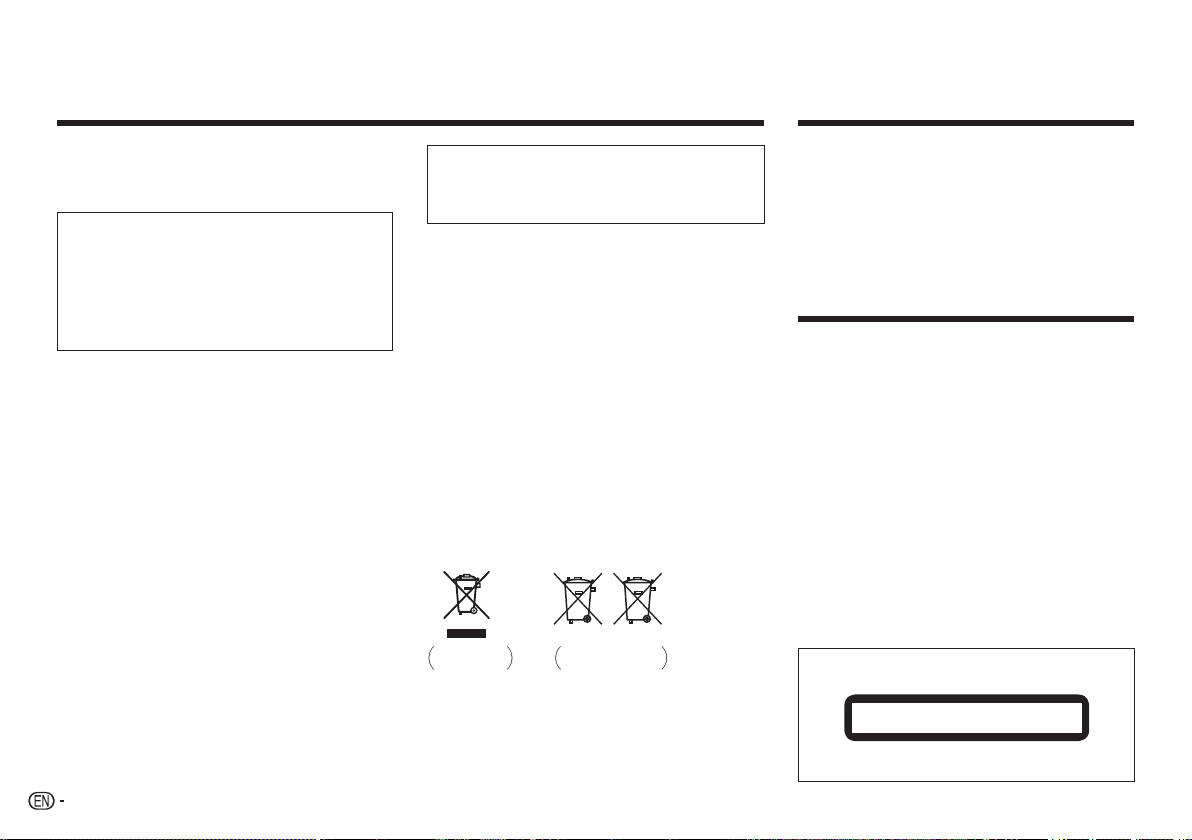
This product is a class 1 laser product classified under the Safety of
laser products, IEC 60825-1:2007.
D58-5-2-2a_A1_En
CLASS 1 LASER PRODUCT
Contents
Before you start ............................................................................................3
Part names and functions.............................................................................3
Playable discs and files ................................................................................5
Convenient functions ....................................................................................6
Changing the settings ..................................................................................7
Troubleshooting ............................................................................................ 8
Additional information...................................................................................9
Specifications ............................................................................................. 11
What’s in the box
• Remote Control
AAA batteries (R03) x 2
• Warranty card
Operating instructions (This document)
CAUTION
TO PREVENT THE RISK OF ELECTRIC SHOCK, DO NOT REMOVE COVER
(OR BACK). NO USER-SERVICEABLE PARTS INSIDE. REFER SERVICING
TO QUALIFIED SERVICE PERSONNEL. D3-4-2-1-1_B1_En
Information for users on collection and disposal of old
equipment and used batteries
These symbols on the products, packaging, and/or accompanying
documents mean that used electrical and electronic products and batteries
should not be mixed with general household waste.
For proper treatment, recovery and recycling of old products and used
batteries, please take them to applicable collection points in accordance
with your national legislation.
By disposing of these products and batteries correctly, you will help to
save valuable resources and prevent any potential negative effects on
human health and the environment which could otherwise arise from
inappropriate waste handling.
For more information about collection and recycling of old products and
batteries, please contact your local municipality, your waste disposal
service or the point of sale where you purchased the items.
These symbols are only valid in the European Union.
For countries outside the European Union:
If you wish to discard these items, please contact your local authorities or
dealer and ask for the correct method of disposal.
Pb
K058a_A1_En
Symbol for
equipment
Symbol examples
for batteries
2
Download Bedienungsanleitung auf Deutsch (PDF, 22.57 MB)
(Denken Sie an die Umwelt und drucken Sie diese Bedienungsanleitung nur aus, wenn es unbedingt nötig ist)

Loading…

Bewertung

Teilen Sie uns mit, was Sie über die Pioneer DV-2240 DVD-player denken, indem Sie eine Produktbewertung verfassen. Möchten Sie Ihre Erfahrungen mit diesem Produkt teilen oder eine Frage stellen? Hinterlassen Sie einen Kommentar am Ende dieser Seite!
Sind Sie mit Pioneer DV-2240 DVD-player zufrieden?
Ja Nein
Seien Sie die erste Person, die dieses Produkt bewertet
0 Bewertungen

Diskutieren Sie über dieses Produkt mit

Hier können Sie uns Ihre Meinung zu Pioneer DV-2240 DVD-player mitteilen. Wenn Sie eine Frage haben, lesen Sie zunächst das Bedienungsanleitung sorgfältig durch. Die Anforderung eines Bedienungsanleitung kann über unser Kontaktformular erfolgen.

Mehr zu diesem Bedienungsanleitung

Wir verstehen, dass es schön ist, ein gedrucktes Bedienungsanleitung für Ihr Pioneer DV-2240 DVD-player zu haben. Sie können das Bedienungsanleitung jederzeit von unserer Website herunterladen und selbst ausdrucken. Wenn Sie ein Originalhandbuch wünschen, empfehlen wir Ihnen, Pioneer zu kontaktieren. Möglicherweise können sie ein Originalhandbuch bereitstellen. Suchen Sie das Bedienungsanleitung Ihres Pioneer DV-2240 DVD-player in einer anderen Sprache? Wählen Sie auf unserer Homepage Ihre bevorzugte Sprache und suchen Sie nach der Modellnummer, um zu sehen, ob wir sie verfügbar haben.

Spezifikationen

Marke Pioneer
Modell DV-2240
Kategorie DVD-player
Dateityp PDF
Dateigröße 22.57 MB

Alle Anleitungen für Pioneer DVD-player
Weitere Anleitungen von DVD-player

Häufig gestellte Fragen zu Pioneer DV-2240 DVD-player

Unser Support-Team sucht nach nützlichen Produktinformationen und beantwortet Ihre häufig gestellten Fragen. Sollte Ihnen ein Fehler bei den häufig gestellten Fragen auffallen, teilen Sie uns dies bitte anhand unseres Kontaktformulars mit.

Kann ein DVD-Player auch CDs abspielen? Verifiziert

Ja, fast alle DVD-Player sind in der Lage, CDs abzuspielen.

Das war hilfreich (199) Mehr lesen

Kann ich Kratzer auf einer DVD selbst reparieren? Verifiziert

Kratzer verhindern, dass der Laser die CD richtig abliest. Wenn die Kratzer nur oberflächlicher Natur sind, ist es möglich, dass Sie sie selbst reparieren können, indem Sie die CD mit einem leichten Schleifmittel polieren. Idealerweise sollten Sie ein professionelles Schleifmittel verwenden, es ist jedoch auch möglich, herkömmliche Zahnpasta zu verwenden. Nach dem Polieren muss die CD gereinigt und getrocknet werden. Es gibt spezialisierte Unternehmen, die das machen können.

Das war hilfreich (92) Mehr lesen
Bedienungsanleitung Pioneer DV-2240 DVD-player

Verwandte Produkte

Verwandte Kategorien

×
Download