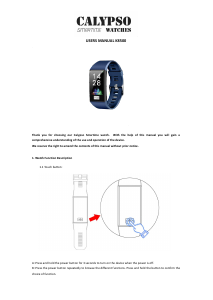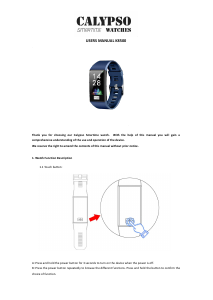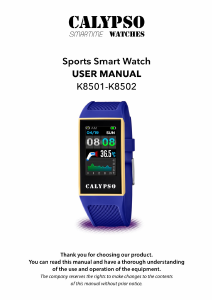
Bedienungsanleitung Calypso K8501 Smartwatch

Benötigen Sie ein Bedienungsanleitung für Ihren Calypso K8501 Smartwatch? Unten können Sie das PDF-Bedienungsanleitung kostenlos auf Deutsch ansehen und herunterladen. Für dieses Produkt gibt es derzeit 0 häufig gestellte Fragen, 6 Kommentare und 18 Stimmen mit einer durchschnittlichen Produktbewertung von 33/100. Wenn dies nicht das von Ihnen gewünschte Bedienungsanleitung ist, kontaktieren Sie uns bitte.

Ist Ihr Produkt defekt und bietet die Bedienungsanleitung keine Lösung? Gehen Sie zu einem Repair Café, wo es gratis repariert wird.

Bedienungsanleitung

Loading…
3
the blood pressure menu, measurement will
be automatically activated in 2 seconds. The
blood pressure data will be synchronized to
the APP when the bracelet is bound to the
APP.
3) Sleep, sleep monitoring period: 21:00
to 9:00 the next day, the bracelet generates
data during the sleep monitoring period. Af-
ter exiting sleep monitoring mode, the bra-
celet sleep data can be synchronized to the
APP when the bracelet is bound to APP.
4) Step count, the step count is enabled by
default. This interface displays the current
number of steps, kilometers, calories and
heart rate. The data are cleared every day at
12 am.
1.4.5 Sports mode (walking, running, cy-
cling, hiking, indoor walking, indoor running)
Select sports mode, the corresponding mode
automatically activates in 3 seconds; hold on
the touch key to end the sports mode.
Sports data can be saved in the bracelet is
the distance larger than 200 meters or sport
duration longer than 5 minutes; Otherwise
sports data will not be saved.
Bind the smart watch to APP, press on the
sporting history recording interface to syn-
chronize the sports data from smart watch to
APP. Tracking map and detailed data will be
showed on the APP.
1.4.6 Other functions
1) Alarm
Bind to APP, setting alarm reminder in the
smart watch through APP alarm setting inter-
face ( 5 alarm at most).
2) Find phone
Bind to APP,click to nd phone, and the pho-
ne will ring or vibrate.(Don’t turn o the VI-
BRATE or RING on the phone, otherwise the
phone keep silently.)
3) Stopwatch
Click to enter the stopwatch, press to start or
pause it, hold on to end it.
4) Sedentary
You can turn on or turn o sedentary as your
wish.
5) Camera
Bind the APP, enter the APP and turn to the
Camera on the smart watch. The camera on
the phone will be turned on when holding on
the touch key on the smart watch. Press the
touch key can control the camera on the pho-
ne, photo auto saved in the album, hold on
the touch key to exit.
6) Music
Aer connecting with APP and turning on
music player on the phone, smart watch is
able to control the music player by pressing
and holding on the music control panel to
play, pause, previous and next song.
7) About
Checking the bluetooth name, MAC and sof-
tware version.
8) Reset
Click reset to restore factory setting.
9) Restart
Hold on the restart and hold on for seconds
to restart the smart watch.
10) Power o
Hold on the Power o and hold on for se-
conds to turn o the smart watch.
2. Bind Calypso smartime
2.1 how to download APP
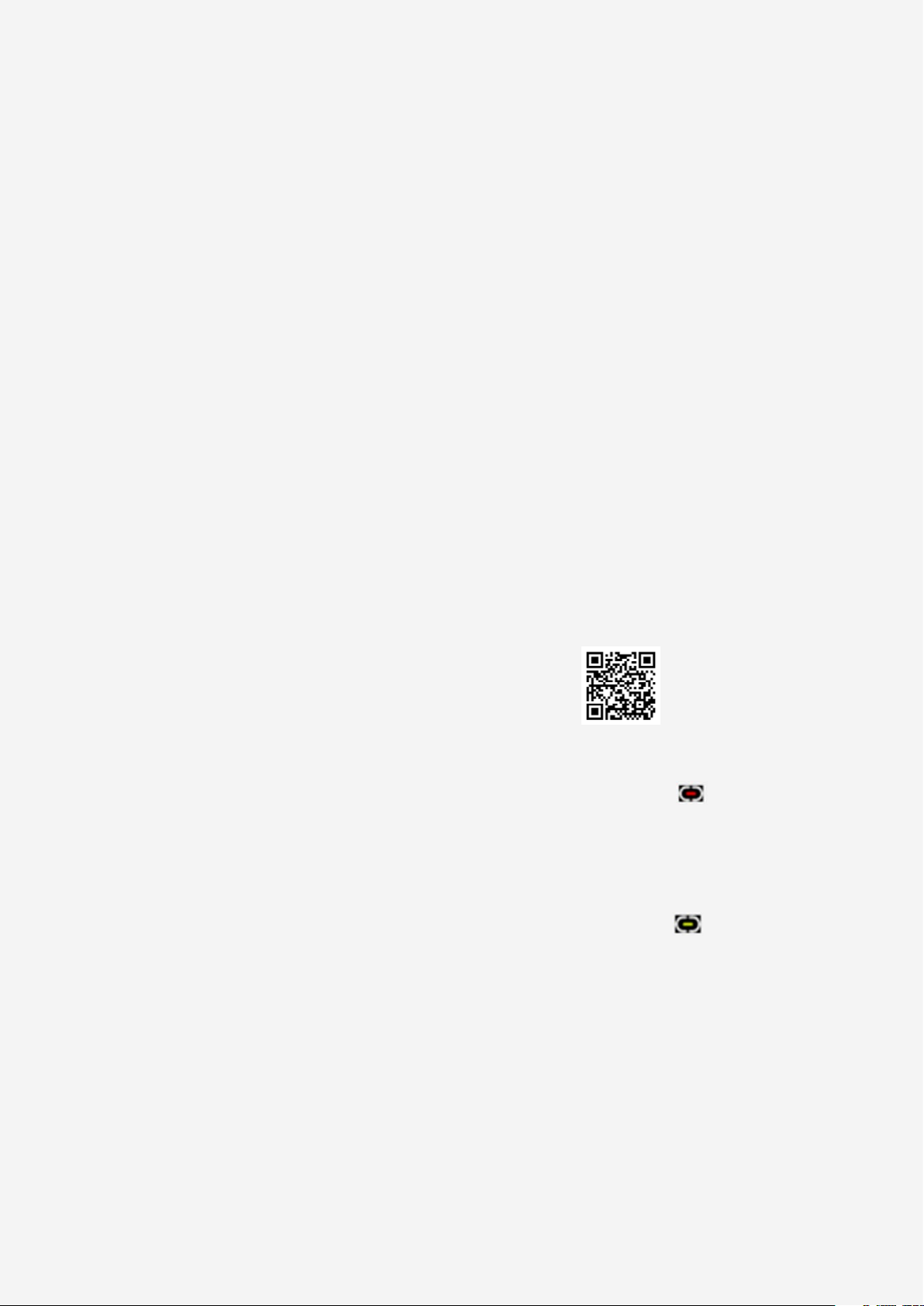
Scan the following QR Code to download the
APP.
2.2 Bind bluetooth
2.2.1 Unconnected status:
Aer the bracelet is turned on, the Bluetooth
stays in the search state. Aer opening the
APK/APP, enter the device-binding device
and select the corresponding bracelet device
name to bind the bracelet to the APP.
2.2.2 App binding status:
Bracelet time synchronization: Aer the bra-
celet is bound to the APP, click to realize sy-
nchronization of the time and time system of
the bracelet and the mobile phone.
2.2.3 nd device
Bind to APP, click nd device on the APP,
smart watch screen hold lighting and vibrate
for 5 times.
2.2.4 Data synchronization
Aer the bracelet is bound to the APP, the
health data of the bracelet can be synchro-
nized to the APP; Enter the heart rate, sleep,
Download Bedienungsanleitung auf Deutsch (PDF, 1.52 MB)
(Denken Sie an die Umwelt und drucken Sie diese Bedienungsanleitung nur aus, wenn es unbedingt nötig ist)

Loading…

Bewertung

Teilen Sie uns mit, was Sie über die Calypso K8501 Smartwatch denken, indem Sie eine Produktbewertung verfassen. Möchten Sie Ihre Erfahrungen mit diesem Produkt teilen oder eine Frage stellen? Hinterlassen Sie einen Kommentar am Ende dieser Seite!
Sind Sie mit Calypso K8501 Smartwatch zufrieden?
Ja Nein
33%
67%
18 Bewertungen

Diskutieren Sie über dieses Produkt mit

Hier können Sie uns Ihre Meinung zu Calypso K8501 Smartwatch mitteilen. Wenn Sie eine Frage haben, lesen Sie zunächst das Bedienungsanleitung sorgfältig durch. Die Anforderung eines Bedienungsanleitung kann über unser Kontaktformular erfolgen.

Diego Stoppato 28-12-2021
Wie kann ich die Uhrzeit auf meinem K8501 einstellen?

Antworten | Das war hilfreich (20) Mehr lesen (Übersetzt von Google)
gobber chantal 08-08-2022
Wie stelle ich die Uhrzeit auf meinem K8501 ein?

Das war hilfreich (18) (Übersetzt von Google)
Valerio 19-06-2025
Wie setze ich die Zeit auf meinem K8501?

Das war hilfreich (0) (Übersetzt von Google)
scuzzi flavio 17-04-2022
Wie stellen Sie die Uhrzeit und den Monat auf dem Zifferblatt ein?

Antworten | Das war hilfreich (17) (Übersetzt von Google)
Nona 06-09-2022
Ich bin nicht zufrieden, ich kann nirgendwo eine Bedienungsanleitung auf Spanisch finden.

Antworten | Das war hilfreich (2) (Übersetzt von Google)
Gema 14-10-2022
ich habe mir gestern den k8500 gekauft und habe keine ahnung wie ich ihn bedienen soll...muss ihn dringend starten...wer kann mir helfen?

Antworten | Das war hilfreich (1) (Übersetzt von Google)

Mehr zu diesem Bedienungsanleitung

Wir verstehen, dass es schön ist, ein gedrucktes Bedienungsanleitung für Ihr Calypso K8501 Smartwatch zu haben. Sie können das Bedienungsanleitung jederzeit von unserer Website herunterladen und selbst ausdrucken. Wenn Sie ein Originalhandbuch wünschen, empfehlen wir Ihnen, Calypso zu kontaktieren. Möglicherweise können sie ein Originalhandbuch bereitstellen. Suchen Sie das Bedienungsanleitung Ihres Calypso K8501 Smartwatch in einer anderen Sprache? Wählen Sie auf unserer Homepage Ihre bevorzugte Sprache und suchen Sie nach der Modellnummer, um zu sehen, ob wir sie verfügbar haben.

Spezifikationen

Marke Calypso
Modell K8501
Kategorie Smartwatches
Dateityp PDF
Dateigröße 1.52 MB

Alle Anleitungen für Calypso Smartwatches
Weitere Anleitungen von Smartwatches
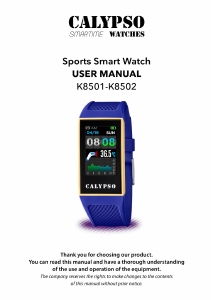
Bedienungsanleitung Calypso K8501 Smartwatch

Verwandte Produkte

Verwandte Kategorien

×
Download