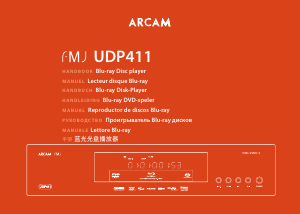
Bedienungsanleitung Arcam BDP100 Blu-ray player

Benötigen Sie ein Bedienungsanleitung für Ihren Arcam BDP100 Blu-ray player? Unten können Sie das PDF-Bedienungsanleitung kostenlos auf Deutsch ansehen und herunterladen. Für dieses Produkt gibt es derzeit 3 häufig gestellte Fragen, 0 Kommentare und 0 Stimmen. Wenn dies nicht das von Ihnen gewünschte Bedienungsanleitung ist, kontaktieren Sie uns bitte.

Ist Ihr Produkt defekt und bietet die Bedienungsanleitung keine Lösung? Gehen Sie zu einem Repair Café, wo es gratis repariert wird.

Bedienungsanleitung

Loading…
E-2
safety
guidelines
Important safety instructions
1) Read these instructions.
2) Keep these instructions.
3) Heed all warnings.
4) Follow all instructions.
5) Do not use this apparatus near water.
6) Clean only with dry cloth.
7) Do not block any ventilation openings. Install in
accordance with the manufacturer’s
instructions.
8) Do not install near any heat sources such as
radiators, heat registers, stoves, or other apparatus
(including ampliers) that produce heat.
9) Do not defeat the safety purpose of the polarized or
grounding-type plug.
A polarized plug has two blades with one wider than the
other. A grounding type plug has two blades and a third
grounding prong. e wide blade or the third prong are
provided for your safety. If the provided plug does not t
into your outlet, consult an electrician for replacement
of the obsolete outlet.
10) Protect the power cord from being walked
on or pinched particularly at plugs, convenience
receptacles, and the point where they exit from the
apparatus.
11) Only use attachments/accessories specied by the
manufacturer.
12) Use only with the cart, stand, tripod, bracket, or
table specied by the manufacturer, or sold with the
apparatus.
When a cart is used, use caution
when moving the cart/apparatus
combination to avoid injury from
tip-over.
13) Unplug this apparatus during lightning storms or
when unused for long periods of time.
14) Refer all servicing to qualied service personnel.
Servicing is required when the apparatus has been
damaged in any way, such as power-supply cord or plug
is damaged, liquid has been spilled or objects have fallen
into the apparatus, the apparatus has been exposed to
rain or moisture, does not operate normally, or has been
dropped.
15) Object or liquid entry
WARNING – Take care that objects do not fall and
liquids are not spilled into the enclosure through any
openings. e equipment shall not be exposed to
dripping or splashing. Liquid-lled objects such as vases
should not be placed on the equipment.
16) Climate
e equipment has been designed for use in moderate
climates and in domestic situations.
17) Cleaning
Unplug the unit from the mains supply before cleaning.
e case should normally only require a wipe with a
so, lint-free cloth. Do not use chemical solvents for
cleaning.
We do not advise the use of furniture cleaning sprays or
polishes as they can cause permanent white marks.
18) Power sources
Only connect the equipment to a power supply of
the type described in the operating instructions or as
marked on the equipment.
e primary method of isolating the equipment from
the mains supply is to remove the mains plug. e
equipment must be installed in a manner that makes
disconnection possible.
19) Abnormal smell
If an abnormal smell or smoke is detected from the
equipment, turn the power o immediately and unplug
the equipment from the wall outlet. Contact your dealer
and do not reconnect the equipment.
20) Damage requiring service
e equipment should be serviced by qualied service
personnel when:
A. the power-supply cord or the plug has been
damaged, or
B. objects have fallen, or liquid has spilled into the
equipment, or
C. the equipment has been exposed to rain, or
D. the equipment does not appear to operate
normally or exhibits a marked change in
performance, or
E. the equipment has been dropped or the enclosure
damaged.
Safety compliance
is equipment has been designed to meet the IEC/EN
60065 international electrical safety standard.
is device complies with Part 15 of the FCC Rules.
Operation is subject to the following two conditions:
(1) is device may not cause harmful interference, and
(2) this device must accept any interference received,
including interference that may cause undesired
operation.






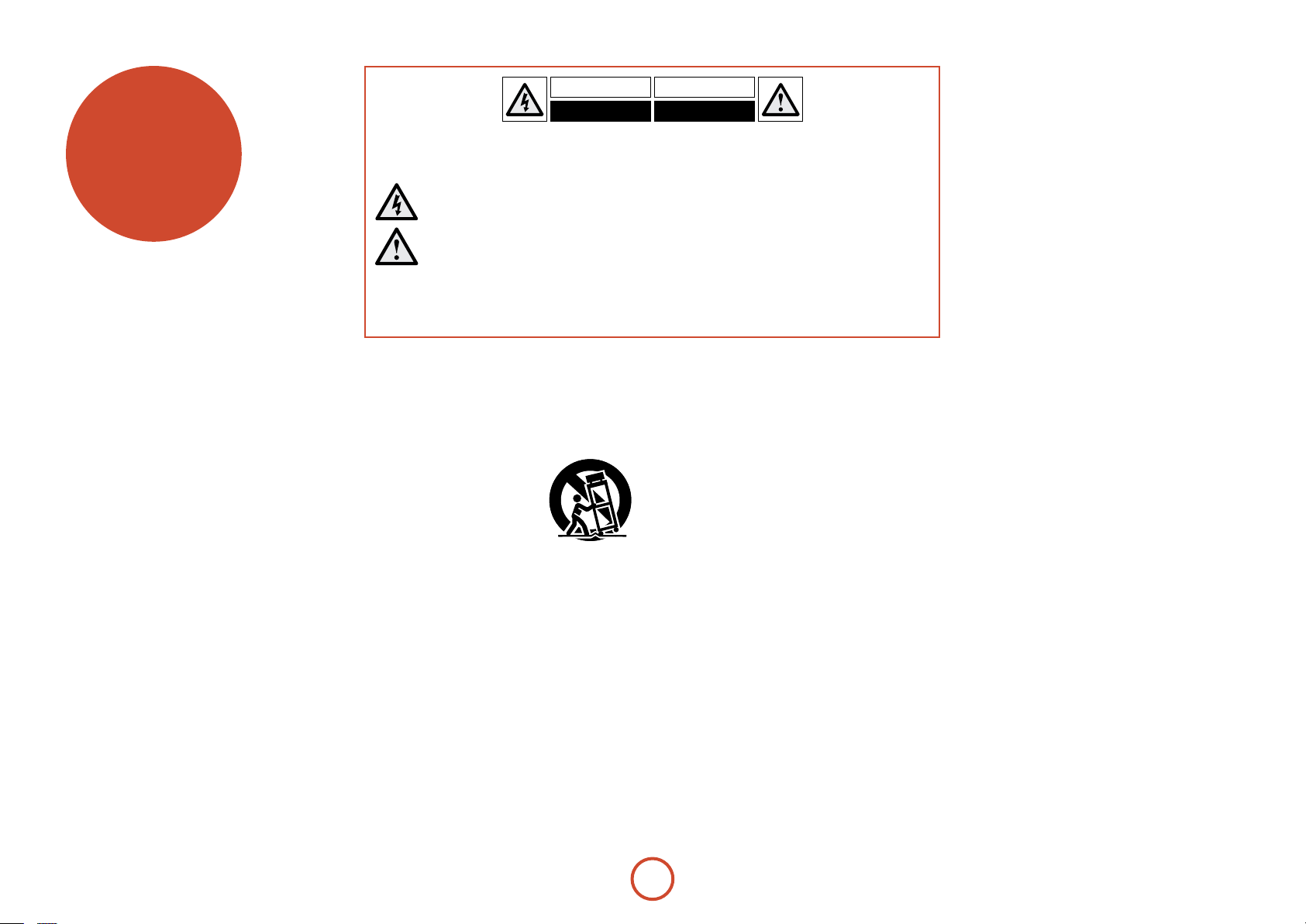
CAUTION: To reduce the risk of electric shock, do not remove cover (or back). No user serviceable parts inside. Refer
servicing to qualied service personnel.
WARNING: To reduce the risk of re or electric shock, do not expose this apparatus to rain or moisture.
e lightning ash with an arrowhead symbol within an equilateral triangle is intended to alert the user to the
presence of uninsulated ‘dangerous voltage’ within the product’s enclosure that may be of sucient magnitude to
constitute a risk of electric shock to persons.
e exclamation point within an equilateral triangle is intended to alert the user to the presence of important
operating and maintenance (servicing) instructions in the literature accompanying the product.
CAUTION: In Canada and the USA, to prevent electric shock, match the wide blade of the plug to the wide slot in the
socket and insert the plug fully into the socket.
CAUTION: Use of any controls, adjustments or procedures other than those specied herein may result in hazardous
radiation exposure.
Download Bedienungsanleitung auf Deutsch (PDF, 10.18 MB)
(Denken Sie an die Umwelt und drucken Sie diese Bedienungsanleitung nur aus, wenn es unbedingt nötig ist)

Loading…

Bewertung

Teilen Sie uns mit, was Sie über die Arcam BDP100 Blu-ray player denken, indem Sie eine Produktbewertung verfassen. Möchten Sie Ihre Erfahrungen mit diesem Produkt teilen oder eine Frage stellen? Hinterlassen Sie einen Kommentar am Ende dieser Seite!
Sind Sie mit Arcam BDP100 Blu-ray player zufrieden?
Ja Nein
Seien Sie die erste Person, die dieses Produkt bewertet
0 Bewertungen

Diskutieren Sie über dieses Produkt mit

Hier können Sie uns Ihre Meinung zu Arcam BDP100 Blu-ray player mitteilen. Wenn Sie eine Frage haben, lesen Sie zunächst das Bedienungsanleitung sorgfältig durch. Die Anforderung eines Bedienungsanleitung kann über unser Kontaktformular erfolgen.

Mehr zu diesem Bedienungsanleitung

Wir verstehen, dass es schön ist, ein gedrucktes Bedienungsanleitung für Ihr Arcam BDP100 Blu-ray player zu haben. Sie können das Bedienungsanleitung jederzeit von unserer Website herunterladen und selbst ausdrucken. Wenn Sie ein Originalhandbuch wünschen, empfehlen wir Ihnen, Arcam zu kontaktieren. Möglicherweise können sie ein Originalhandbuch bereitstellen. Suchen Sie das Bedienungsanleitung Ihres Arcam BDP100 Blu-ray player in einer anderen Sprache? Wählen Sie auf unserer Homepage Ihre bevorzugte Sprache und suchen Sie nach der Modellnummer, um zu sehen, ob wir sie verfügbar haben.

Spezifikationen

Marke Arcam
Modell BDP100
Kategorie Blu-ray player
Dateityp PDF
Dateigröße 10.18 MB

Alle Anleitungen für Arcam Blu-ray player
Weitere Anleitungen von Blu-ray player

Häufig gestellte Fragen zu Arcam BDP100 Blu-ray player

Unser Support-Team sucht nach nützlichen Produktinformationen und beantwortet Ihre häufig gestellten Fragen. Sollte Ihnen ein Fehler bei den häufig gestellten Fragen auffallen, teilen Sie uns dies bitte anhand unseres Kontaktformulars mit.

Kann mein Blu-Ray-Player auch DVDs abspielen? Verifiziert

Ja, fast alle Blu-Ray-Player können DVDs abspielen.

Das war hilfreich (138) Mehr lesen

Ist es wichtig, über welchen HDMI-Anschluss ich meinen Blu-ray-Player anschließe? Verifiziert

Generell können Sie einen Blu-ray-Player über jeden HDMI-Anschluss anschließen. Das Gerät kann anschließend verwendet werden, indem Sie den entsprechenden HDMI-Kanal auf Ihrem Fernseher auswählen.

Das war hilfreich (95) Mehr lesen

Kann ich Kratzer auf einer Blu-Ray selbst reparieren? Verifiziert

Kratzer verhindern, dass der Laser die CD richtig abliest. Wenn die Kratzer nur oberflächlicher Natur sind, ist es möglich, dass Sie sie selbst reparieren können, indem Sie die CD mit einem leichten Schleifmittel polieren. Idealerweise sollten Sie ein professionelles Schleifmittel verwenden, es ist jedoch auch möglich, herkömmliche Zahnpasta zu verwenden. Nach dem Polieren muss die CD gereinigt und getrocknet werden. Es gibt spezialisierte Unternehmen, die das machen können.

Das war hilfreich (37) Mehr lesen
Bedienungsanleitung Arcam BDP100 Blu-ray player

Verwandte Produkte

Verwandte Kategorien

×
Download